Schedule a job
Choose when work should run, which devices it covers and what it should do. Save the routine once instead of repeating it every support day.
RMM (remote monitoring and management) automation: schedule everyday work, monitor your fleet and follow the results. Fewer repetitive clicks, more time for the interesting problems.
Schedule routine work, spot problems and alert the right people. Then see what happened on each device. Your 2am checklist finally has someone else’s name on it.
Choose when work should run, which devices it covers and what it should do. Save the routine once instead of repeating it every support day.
Choose a monitor, set the condition and decide who gets the alert. Catch problems before the next “is everything down?” call.
Follow run history and results, pause a rule or stop work when plans change. You decide what runs and when.
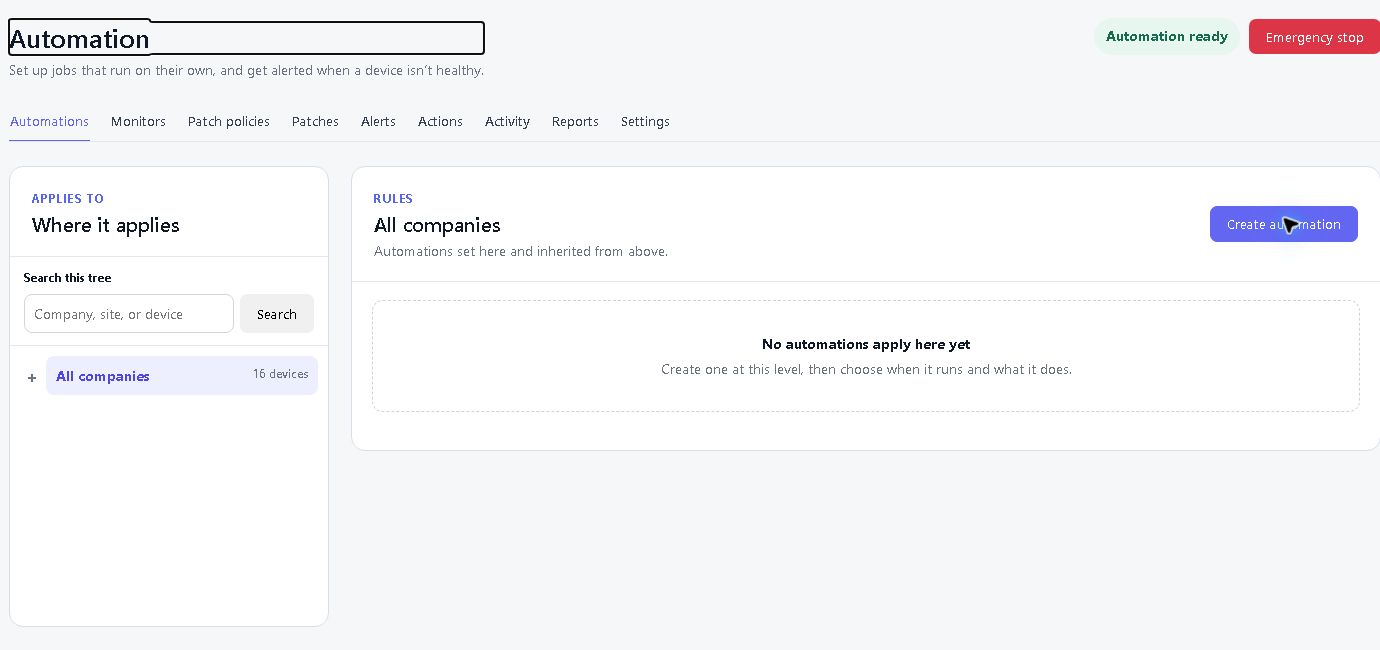
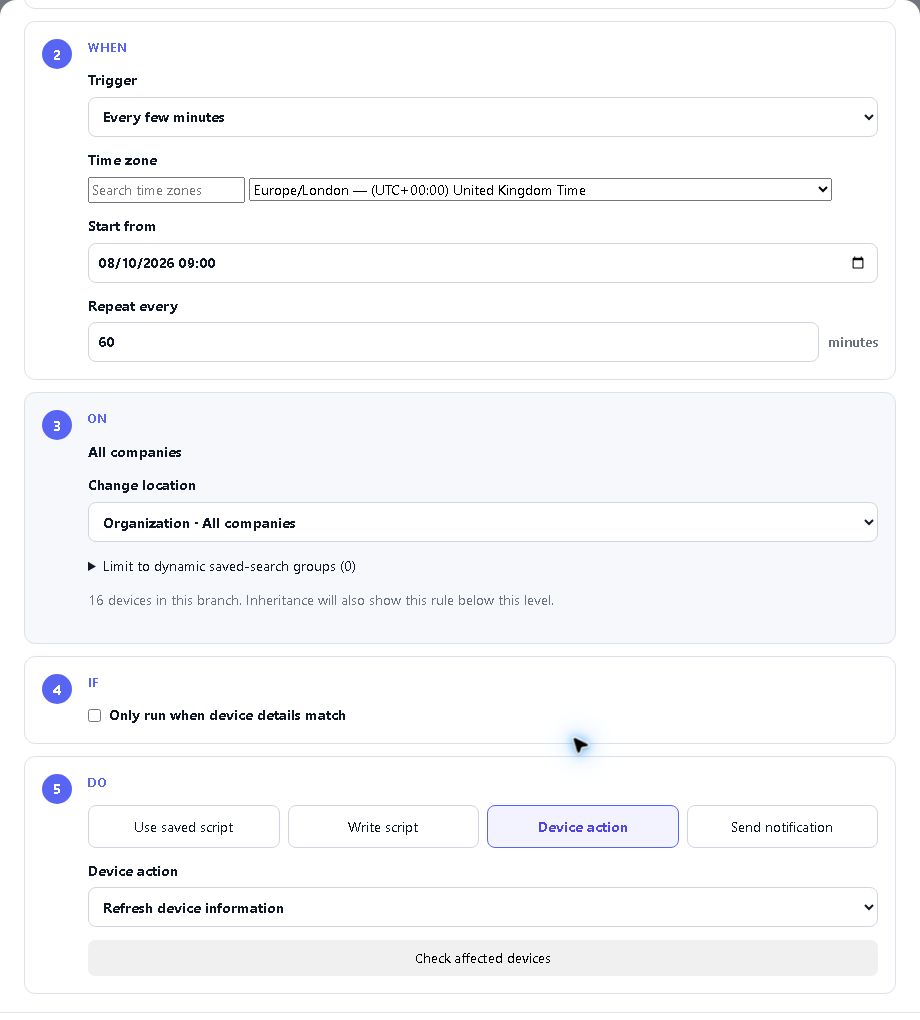
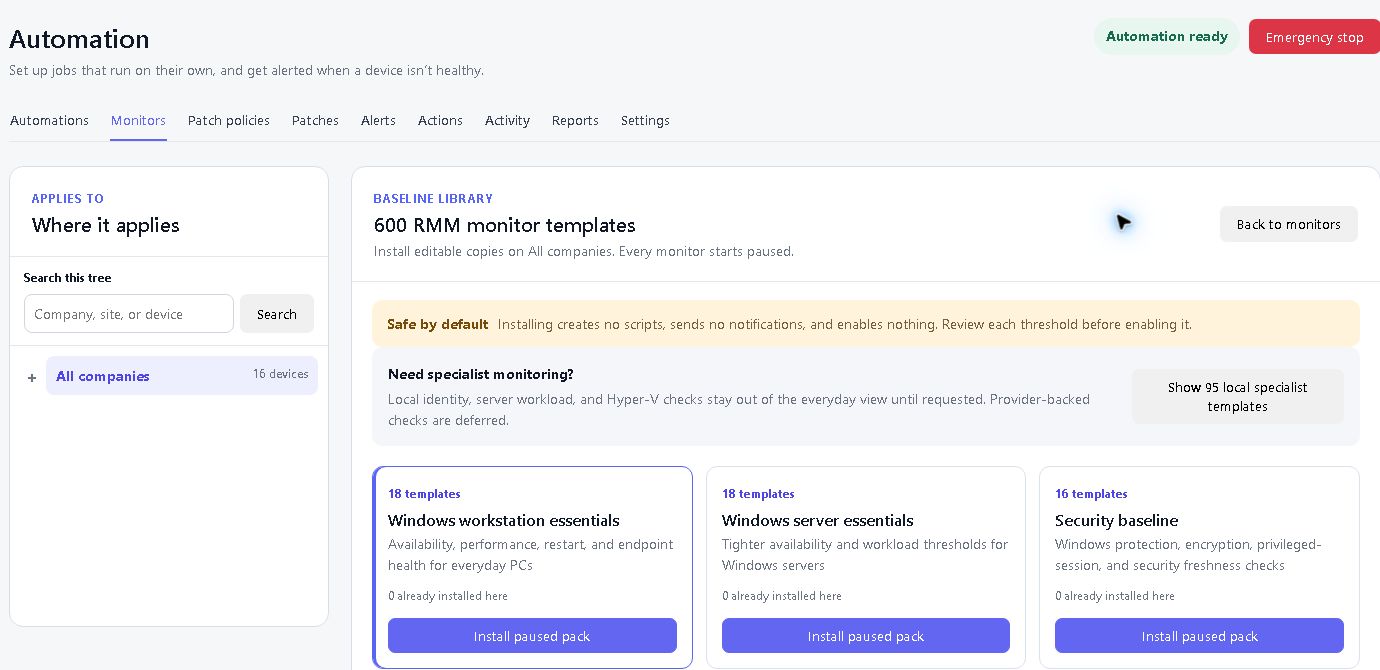
Build recurring jobs and monitors from the available library. Choose the right devices, set the timing and keep an eye on the results. Some monitors need extra setup, such as an agent that reports the required measurements or a connected external service.
Set up repeatable jobs for selected devices and maintenance windows. Stop rebuilding the same checklist every week.
Monitor conditions and alert the right people when something needs attention. Tune the noise so useful alerts stay useful.
Follow run history and per-device results. Find completed work, failures and devices that were unavailable without guessing.
Pause a rule or use the emergency stop when plans change. Completed actions stay in the history; stopping a rule does not undo them.
We think it's the best remote support and RMM tool in the world. We would, obviously. One device free. Thirty days free on the rest. No card, no call — go and prove us wrong.
Start free trial